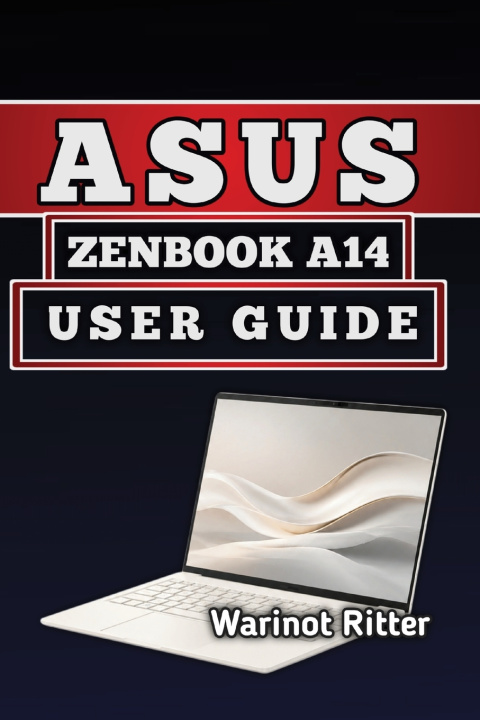
You just unboxed your ASUS Zenbook A14. It's thin, powerful, and promises 22+ hours of battery life. But where's the comprehensive guide that explains everything?
Most users never unlock their laptop's full potential. They miss battery optimization tricks, don't understand ARM architecture compatibility, skip security features, and struggle with performance issues. Months later, they're frustrated with slow performance or unexpected problems that could have been prevented.
This isn't your typical device manual.
This "Asus Zenbook A14 User Guide" covers everything official documentation overlooks: genuine battery life expectations (not marketing hype), real-world performance benchmarks, proven optimization techniques, and step-by-step troubleshooting for every common issue. You'll discover how to configure Windows 11 for maximum efficiency, master your OLED display settings, understand ARM software compatibility without technical jargon, and extend battery life to truly match ASUS's claims.
What You'll Learn:
Complete hardware specifications and real performance data
Battery optimization strategies that extend runtime to 25+ hours
Display mastery including color calibration and HDR setup
Wi-Fi 7, Bluetooth 5.3, and USB4 connectivity optimization
Security, privacy, and maintenance routines
Software compatibility guide for ARM architecture
Creative work performance on Snapdragon X2 Elite
Professional troubleshooting procedures
Written for All Users. Whether you're a student, creative professional, developer, or business user, this guide provides clear instructions without oversimplification or overwhelming technical jargon.
Stop leaving performance on the table. Master your Zenbook A14 completely with this guide.
Get instant access to 300+ pages of verified technical knowledge, real-world testing, and proven solutions.