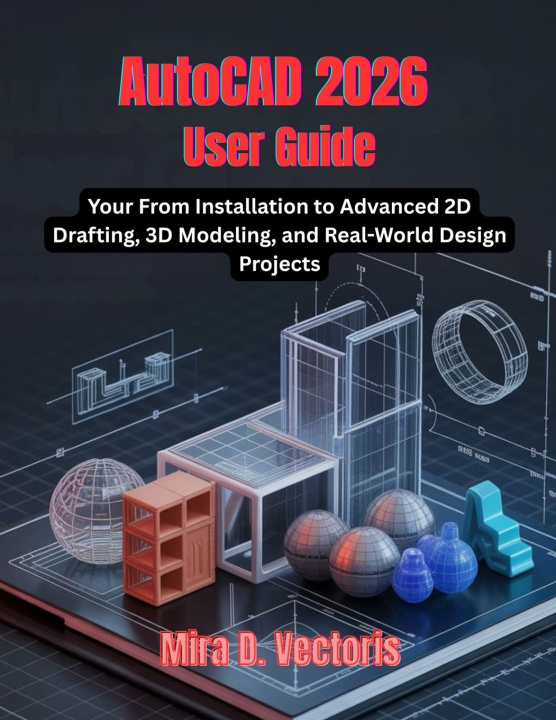
AutoCAD 2026 User Guide: From Installation to Advanced 2D Drafting, 3D Modeling, and Real-World Design Projects
AutoCAD is one of the most powerful and widely used design tools in the world-but without the right guidance, it can feel overwhelming. This comprehensive user guide is designed to help beginners, students, and professionals confidently master AutoCAD 2026 from the ground up.
This book takes a clear, structured, step-by-step approach, starting with proper installation and setup, then progressing through precision 2D drafting, professional documentation, and advanced 3D modeling workflows. Instead of isolated commands, you will learn real-world CAD workflows that reflect how AutoCAD is actually used in professional environments.
Inside this guide, you will learn how to:
Install and configure AutoCAD 2026 correctly for professional use
Navigate the interface and workspaces with confidence
Create accurate 2D drawings using industry-standard practices
Organize projects with layers, templates, and drafting standards
Apply dimensions, annotations, and documentation properly
Build reusable blocks, libraries, and efficient workflows
Produce clean layouts, plot drawings, and export professional PDFs
Transition from 2D drawings to reliable 3D models
Complete real-world design projects from start to finish
Whether you are learning AutoCAD for the first time or upgrading your skills to the 2026 edition, this book serves as both a learning roadmap and a practical reference. It emphasizes clarity, accuracy, and professional habits that save time and reduce errors.
If you want a modern, practical, and professional guide to AutoCAD 2026-this book was written for you.