Does AutoCAD seem too complicated?
Have you ever opened the software only to feel overwhelmed by unfamiliar tools, confusing menus, and technical jargon? If you've always wanted to learn computer-aided design but worried that it might be "too late" or "too difficult," you're not alone.
The good news is that learning AutoCAD doesn't have to be frustrating. With the right guidance, anyone-including complete beginners and seniors-can build practical drafting and design skills one step at a time.
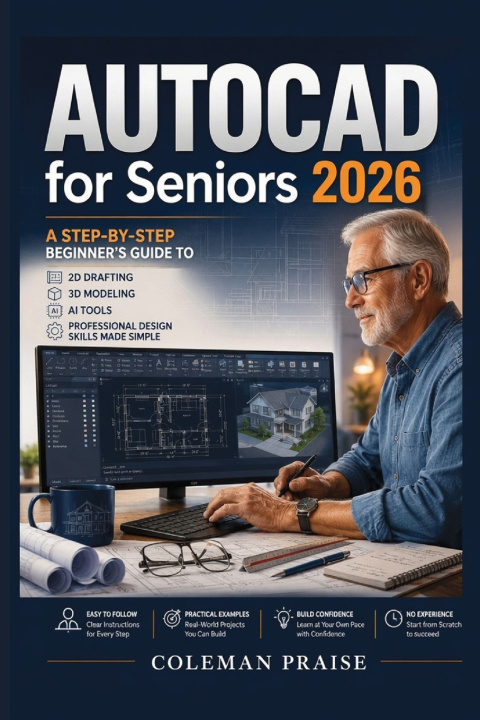
INTERESTAutoCAD for Seniors 2026 was created specifically for adults who want a calm, patient, and beginner-friendly learning experience.
Instead of assuming prior knowledge, this guide explains every concept in clear, straightforward language with practical examples that help you learn by doing.
Inside this book, you'll discover how to:
- Understand the AutoCAD 2026 workspace with confidence
- Create accurate 2D drawings from scratch
- Build simple 3D models step by step
- Work with drawing tools, layers, dimensions, annotations, and layouts
- Explore AI-powered features that improve productivity
- Organize projects using professional drafting practices
- Avoid common beginner mistakes and solve everyday problems
- Complete practical design exercises that reinforce your skills
Whether you're learning for personal projects, home renovations, education, or simply exploring a new skill after retirement, this guide is designed to help you make steady progress without feeling overwhelmed.
DESIREUnlike many technical manuals filled with complicated terminology, this book focuses on clarity, patience, and practical learning.
You'll move from one lesson to the next at a comfortable pace while gaining real confidence with every chapter.
No confusing explanations.
No unnecessary technical language.
No assumptions about previous experience.
Just a structured, supportive approach that helps you understand AutoCAD one step at a time.
By the end of this guide, you'll be equipped to create professional-looking drawings, understand essential drafting techniques, and continue developing your design skills with confidence.
ACTIONIf you're ready to stop feeling intimidated by AutoCAD and start learning with confidence, AutoCAD for Seniors 2026 is the guide you've been looking for.
Scroll up and order your copy today to begin building practical drafting and design skills-one simple step at a time.