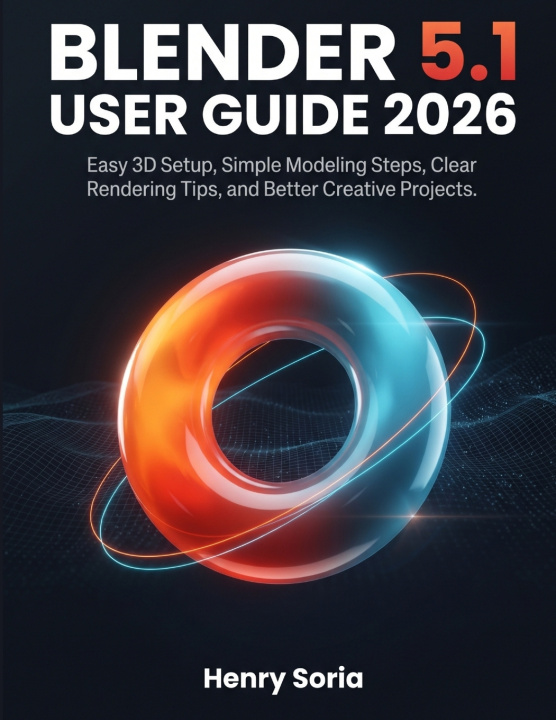
Stop Feeling Lost in Blender, Start Creating 3D Projects with Confidence
Blender is one of the most powerful creative tools available today, but for many beginners, opening it for the first time can feel overwhelming. The screen looks busy. The menus feel confusing. The tools seem endless. You may want to create 3D models, product renders, animations, or creative scenes, but you may not know where to begin.
This was written to make Blender easier, clearer, and more practical for real beginners.
This guide does not throw complicated terms at you or expect you to understand 3D design already. Instead, it walks you through Blender step by step, using simple explanations, practical examples, and a clear learning path that helps you build confidence as you go.
You will learn how to install and set up Blender, understand the interface, move around the 3D Viewport, work with objects, create simple models, use modifiers, apply materials and textures, set up lighting and cameras, render clean images, animate objects, explore Grease Pencil, sculpt basic forms, use simulations, work with Geometry Nodes, polish renders, edit videos, export files, and troubleshoot common problems.
Benefits of This Book:
- Learn Blender 5.1 in a simple, beginner-friendly way without feeling overwhelmed.
- Understand the interface, tools, menus, panels, and workspaces with clear explanations.
- Build your first 3D projects using basic shapes, simple modeling steps, and practical examples.
- Create cleaner models with better object organization, modifiers, materials, and textures.
- Improve your renders with better lighting, camera setup, shadows, resolution, and export settings.
- Learn how to use tools like Grease Pencil, Sculpt Mode, Animation, Rigging, Physics, Geometry Nodes, Compositing, and Video Sequencer.
- Avoid common beginner mistakes that make Blender feel harder than it should.
- Build better creative habits, organize your files properly, and prepare your work for different uses.
- Gain the confidence to create product renders, simple scenes, animations, 3D objects, and portfolio-ready projects.
- Follow a complete learning path that takes you from setup to final export in a smooth and practical way.
If you have ever wanted to learn Blender but felt confused, stuck, or unsure where to start, this book gives you a clear path forward. It helps you move from simply staring at the default cube to actually creating models, scenes, renders, and animations you can be proud of.
Whether you are a student, hobbyist, designer, content creator, digital artist, product creator, or complete beginner, this guide is designed to help you understand Blender at your own pace and use it with more confidence.
Do not let Blender's powerful tools intimidate you. With the right guide, you can start small, learn clearly, and build real creative skills step by step.
Get your copy today and start turning your 3D ideas into real creative projects with confidence. Disclaimer: This book is for educational purposes only. It is independently published and is not affiliated with, sponsored by, endorsed by, or officially connected to Blender, the Blender Foundation, or any related organization.