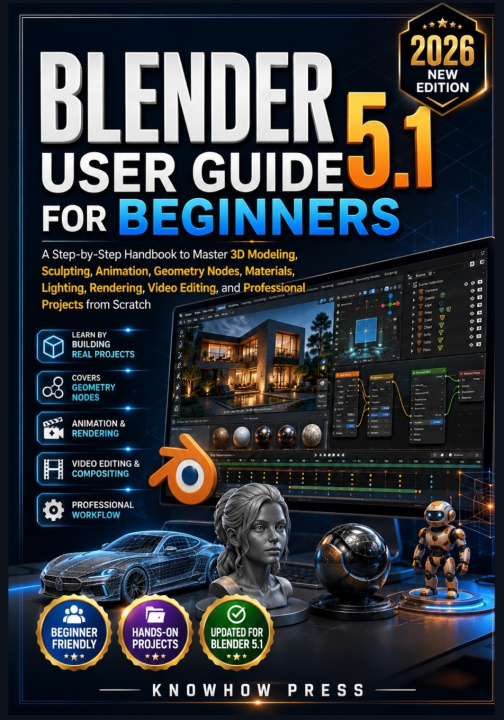
Learning Blender can feel overwhelming at first, especially when you are faced with dozens of tools, workspaces, and professional features. The good news is that you do not need years of experience to begin creating impressive 3D models, realistic renders, animations, and complete digital projects. You simply need the right guide.
Blender 5.1 User Guide for Beginners is a practical, step-by-step handbook designed to help you build real skills from the ground up. Whether you are completely new to 3D design or looking to understand Blender's latest features, this book provides a clear learning path that takes you from the basics to creating polished, professional-quality projects.
Instead of focusing on isolated tools, this guide follows a project-based approach that helps you understand how every part of Blender works together. You will learn not only how to use the software but also how to think like a professional 3D artist by developing efficient workflows, organizing projects, solving common problems, and producing work you can confidently share or include in your portfolio.
Inside this book, you will learn how to:
- Install and configure Blender 5.1 on Windows, macOS, and Linux
- Navigate the Blender interface with confidence
- Understand editors, workspaces, panels, and essential keyboard shortcuts
- Create 3D models using professional modeling techniques
- Work with vertices, edges, faces, modifiers, and precision modeling tools
- Build realistic objects using materials, textures, UV mapping, and the Principled BSDF shader
- Create convincing wood, metal, glass, plastic, and fabric materials
- Set up professional lighting using Point, Spot, Area, Sun, and HDRI lighting
- Produce high-quality renders with both Eevee and Cycles
- Learn digital sculpting techniques, character modeling fundamentals, and retopology
- Create animations using keyframes, armatures, rigging, weight painting, and camera animation
- Build procedural scenes with Geometry Nodes and reusable node groups
- Edit videos, add titles, perform color correction, use motion tracking, and create visual effects with Blender's Video Sequence Editor and Compositor
- Prepare models for 3D printing, game engines, and real-world production workflows
- Export projects using FBX, OBJ, STL, and glTF formats
- Organize Blender projects efficiently and avoid common beginner mistakes
- Develop professional workflows, portfolio-ready projects, and productive daily practice habits
- Complete practical mini-projects throughout the book, ending with a fully rendered final project that combines modeling, materials, lighting, animation, and rendering techniques
This guide is written in clear, straightforward language that makes even advanced Blender concepts easier to understand. Every chapter builds naturally on the previous one, allowing you to develop confidence through practical application instead of memorizing isolated features.
Whether your goal is to create game assets, architectural visualizations, product renders, animated scenes, visual effects, motion graphics, or 3D printable models, the skills you gain in this book will provide a solid foundation for future learning and creative work.
If you are ready to stop feeling overwhelmed by Blender and start creating projects with confidence, Blender 5.1 User Guide for Beginners is the complete companion to help you build practical skills and take your first steps into the world of professional 3D design.