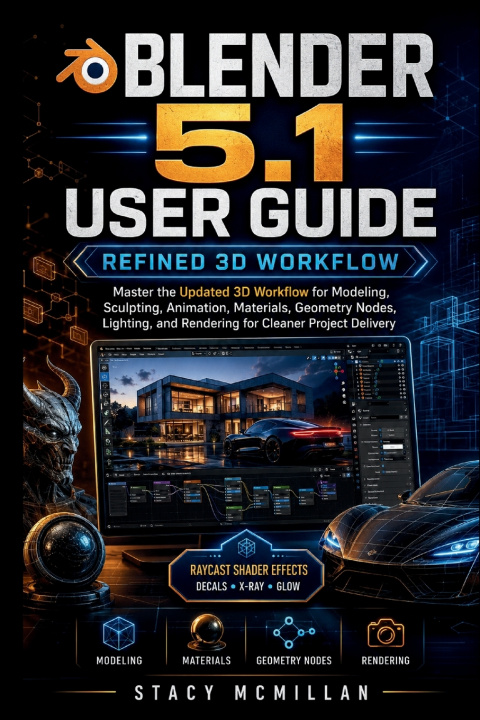
What if your next 3D project had a clear path from rough model to polished delivery, instead of another messy file full of unfinished tests?
Many Blender users can move objects, add materials, and follow basic tutorials, but the work becomes harder when a real project starts to grow. Meshes need cleaner structure. Textures stretch. Shader nodes become confusing. Geometry Nodes can slow the scene. Animation timing feels stiff. Lighting looks flat. Renders take too long. Files, textures, assets, and exports end up scattered across folders with no clear delivery system.
This practical guide is built around a refined Blender 5.1 workflow for readers who want more than first-launch instruction. It shows how to plan, build, organize, shade, animate, light, render, troubleshoot, and deliver cleaner 3D projects with better control. The focus is not only on what each tool does, but how each part connects inside a real working process.
The book uses clear steps, project-based examples, labeled diagrams, visual aids, workflow checks, troubleshooting sections, and a final practice project. You will work through practical areas such as mesh cleanup, modifier order, shader node flow, Raycast shader effects, Geometry Nodes scattering, animation editors, camera setup, render control, compositor polish, and final delivery folders.
Built for cleaner 3D decisions, stronger workflow habits, and finished project output.
What's inside
- Refined project setup and workspace control
- Clean mesh planning, editing, and repair steps
- Modifier stack order and non-destructive modeling
- Text, curves, labels, and camera-readable layouts
- Material controls, texture mapping, and fixes
- Shader node flow and Raycast shader effects
- Geometry Nodes patterns, repeats, and scatters
- Animation timing, curves, previews, and keyframes
- Rigging basics and Grease Pencil scene workflows
- Lighting setups for shape, texture, and focus
- Camera controls for cleaner presentation
- EEVEE, Cycles, samples, denoising, and VRAM control
- Compositor polish and simple video preview edits
- Export checks, delivery folders, and final project practice
Who's this guide for?
- Users ready to move beyond basic screen tours
- 3D learners who want cleaner project structure
- Self-taught creators tired of scattered tutorials
- Product and scene creators building polished visuals
- Users who want clearer shader and node workflows
- New animators improving timing and preview habits
- Artists learning lighting, cameras, and render control
- Creators who want organized files and final delivery
By the end of this guide, you will be able to:
- Plan a 3D project with a cleaner workflow
- Build models with better structure and control
- Use mesh tools without creating messy geometry
- Apply modifiers in a smarter order
- Create materials that match the surface goal
- Read shader node setups with more confidence
- Build useful Geometry Nodes layouts and scatters
- Improve animation timing with editor controls
- Set up lights and cameras for stronger presentation
- Choose render settings that fit the project
- Polish renders with simple compositor steps
- Export and organize files for clean delivery
If you want your Blender work to feel less random and more controlled, this guide gives you the structure, visuals, and practical support to build stronger projects from setup to final output.
Start creating cleaner 3D work with a workflow you can trust.