Are you struggling to understand all the features of your Steam Deck and wondering if you are using your device to its full potential?
Do you want a simple, step-by-step guide that helps you set up your Steam Deck, improve performance, manage storage, and enjoy a smoother gaming experience?
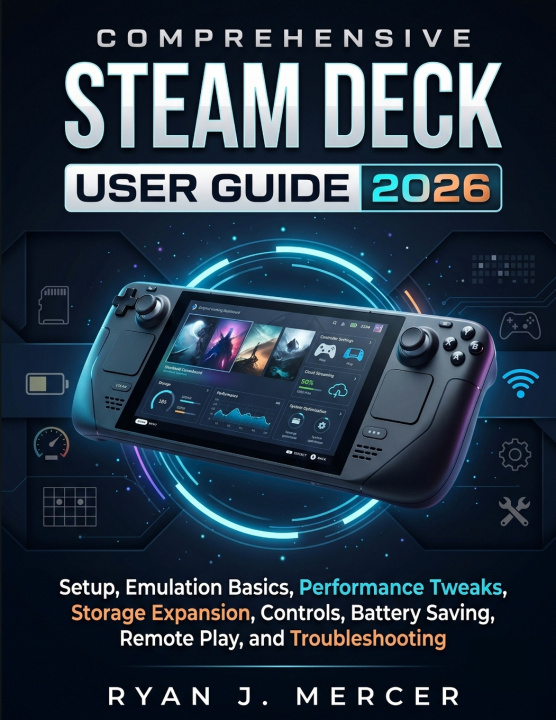
The Comprehensive Steam Deck User Guide 2026 is a practical user guide book created to help beginners and experienced users confidently understand, customize, and maximize their Steam Deck experience. Whether you own the Steam Deck LCD model, Steam Deck OLED, or are exploring handheld PC gaming for the first time, this guide provides clear explanations, practical walkthroughs, and helpful solutions for everyday use.
Instead of searching through scattered tutorials and complicated online resources, this complete guide brings essential Steam Deck knowledge together in one place. It covers setup, SteamOS, Gaming Mode, Desktop Mode, game installation, controls, performance settings, battery optimization, storage expansion, Remote Play, troubleshooting, and advanced features.
Inside this educational Steam Deck User Guide, you will learn how to:
• Set up your Steam Deck with confidence, including unboxing, first-time setup, Wi-Fi connection, Steam account setup, SteamOS updates, and essential settings.
• Understand SteamOS, Gaming Mode, and Desktop Mode, including when to use each mode and how to navigate your Steam Library, settings, files, and system features.
• Install, manage, and optimize games by learning how to find compatible titles, understand Deck Verified ratings, organize your library, and improve your gameplay experience.
• Customize controls for better gaming by adjusting controller layouts and using features such as trackpads, gyro controls, rear buttons, external controllers, keyboards, and accessories.
• Improve performance and extend battery life by understanding graphics settings, frame rates, refresh rates, performance profiles, charging practices, heat management, and battery-saving options.
• Expand storage and manage files by learning how to use microSD cards, move games, organize storage, clean up space safely, and avoid common storage issues.
• Explore advanced Steam Deck features, including docked play, external displays, Remote Play, non-Steam games, Proton compatibility, emulation basics, and Desktop Mode workflows.
This guide is designed for anyone who wants a simpler and more enjoyable Steam Deck experience. You do not need advanced computer skills to follow along. Every topic is explained in a clear and practical way, making it useful for beginners while still providing valuable information for users who want to explore deeper customization options.
What makes this user guide different is its complete approach. Instead of focusing on only one feature, it works as an all-in-one reference that you can return to whenever you need help setting up your device, solving problems, understanding features, or discovering new ways to enjoy your Steam Deck.
Get your copy of the Comprehensive Steam Deck User Guide 2026 today and start unlocking the full potential of your Steam Deck with confidence.
Disclaimer: This book is an independently published educational and informational guide created to help readers understand and use their Steam Deck devices. It is not affiliated with, endorsed by, sponsored by, or officially connected to Valve Corporation. Steam, Steam Deck, SteamOS, and related trademarks belong to their respective owners. Product features, software, settings, and specifications may change over time, so readers should always refer to official sources for the latest updates.