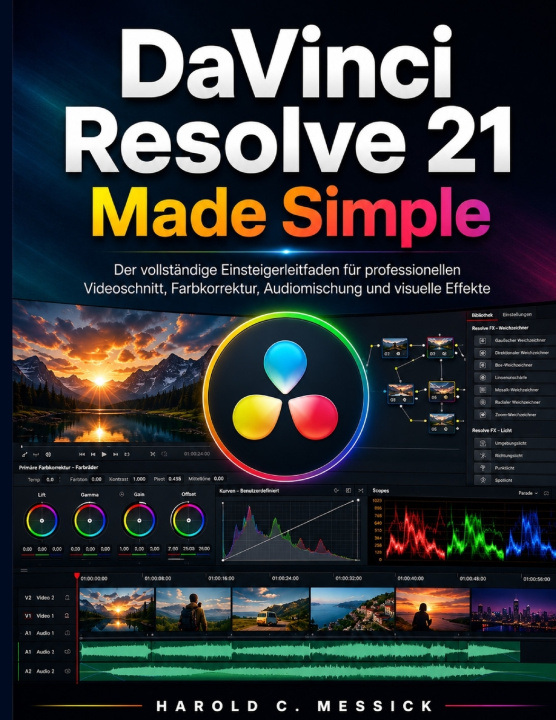
Absolutely. Here is a professional, SEO-focused Amazon KDP book description designed to naturally target search terms such as DaVinci Resolve 21, video editing, color grading, Fusion, Fairlight, visual effects, professional video editing, and beginner-to-advanced guide without making unrealistic ranking guarantees.
Master DaVinci Resolve 21 and Take Your Video Editing Skills to the Next LevelDaVinci Resolve 21 User Guide: A Step-by-Step Guide to Professional Video Editing is a practical and comprehensive resource for anyone who wants to learn how to edit, enhance, organize, and deliver professional-quality video using DaVinci Resolve 21.
Whether you are completely new to video editing or already have experience with other editing software, this guide provides a structured path from the fundamentals to more advanced techniques. Instead of focusing only on individual tools, it helps you understand how the different parts of DaVinci Resolve work together as a complete production workflow.
Inside this guide, you will learn how to:
• Install and configure DaVinci Resolve 21 for your editing workflow
• Create projects and understand the Resolve interface
• Import, organize, review, and manage video, audio, and image files
• Build timelines and edit footage efficiently
• Cut, trim, rearrange, and refine clips for better storytelling
• Add transitions, titles, lower thirds, and professional video effects
• Use the Inspector, keyframes, and animation controls
• Edit, synchronize, enhance, and mix audio with Fairlight
• Correct exposure, white balance, contrast, and color
• Create professional color grades using nodes, curves, masks, and tracking
• Work with Fusion for motion graphics and visual effects
• Create composites and work with green-screen footage
• Edit multicamera projects and manage complex timelines
• Create and manage subtitles and captions
• Use proxy media and optimize projects for smoother playback
• Troubleshoot common performance, media, timeline, and project problems
• Protect your work through effective project and media backup practices
• Render and export videos for YouTube, social media, and professional delivery
• Perform final quality checks before delivering your finished project
Learn the Complete DaVinci Resolve Workflow
One of the strengths of DaVinci Resolve is the way editing, color correction, visual effects, motion graphics, audio post-production, and delivery can be handled within one application. This guide helps you understand that workflow step by step.
You will learn not only what tools do, but also when and why to use them. Practical explanations, workflow guidance, and exercises help turn technical features into useful editing skills.
Designed for Practical Learning
This book is suitable for:
• Beginners learning DaVinci Resolve 21 for the first time
• Content creators producing YouTube and social media videos
• Students learning video editing and post-production
• Smartphone creators who want to improve their footage
• Filmmakers and aspiring editors
• Editors transitioning from other video-editing applications
• Users who want to strengthen their color, audio, Fusion, and delivery workflows
From your first project to a polished final export, this guide provides a clear foundation for building efficient editing habits and producing more refined video projects.