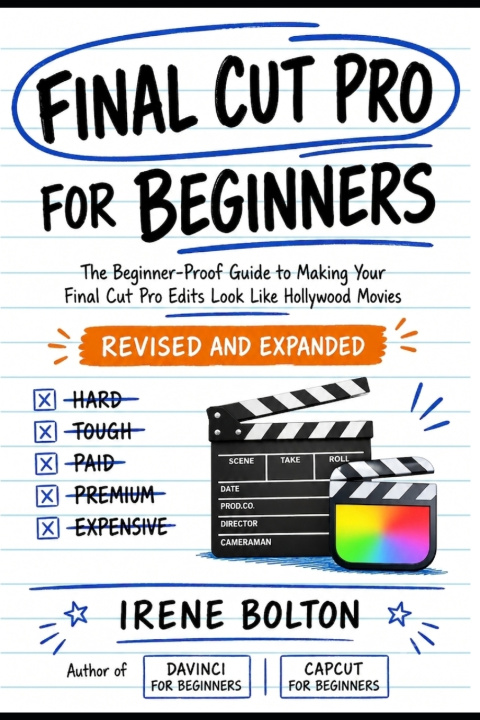
In Final Cut Pro For Beginners, award-winning video editor and post-production educator Irene Bolton condenses over a decade of industry experience into a practical, hands-on guide designed for the absolute beginner. Published by Frameline Press, this first-edition guide is completely updated for the latest macOS and Final Cut Pro features, making it your ultimate roadmap from raw import to final export.
Whether you are a YouTuber outgrowing iMovie, a wedding videographer looking to streamline a chaotic workflow, or an aspiring filmmaker working on a shoestring budget, this book gets the software out of your way so you can tell your story.
What You'll Discover Inside:
The Essentials First: Navigate the interface with intuitive ease, understand the three-tiered organizational hierarchy (Libraries, Events, and Projects), and set up the perfect frame rates and resolutions for YouTube, TikTok, or film festivals.
Timeline Mastery: Speak the language of the revolutionary Magnetic Timeline fluently, and master precise Ripple, Roll, Slip, and Slide trims to make every single frame count.
Pro Audio Techniques: Use AI-powered Voice Isolation to eliminate background noise with one click, read waveforms accurately, and mix multi-layered audio beds that sound completely broadcast-ready.
Cinematic Visual Effects & Grading: Learn a practical four-step workflow using Color Wheels, apply LUTs, stabilize shaky handheld footage, and utilize advanced tools like Optical Flow for smooth slow motion.
Cutting-Edge AI Tools: Harness the power of the new Magnetic Mask to seamlessly place typography behind moving subjects in minutes.
Social Media & Multicam Efficiency: Build high-energy vertical videos using Smart Conform, edit multicam shoots in real time by switching angles with your keyboard, and design engaging YouTube end screens.
Workflow Acceleration: Master the essential JKL keyboard shortcuts, customize your workspace, utilize proxy workflows to edit 4K video on any Mac, and implement the bulletproof 3-2-1 backup strategy.
Stop guessing which buttons to click and start editing with absolute confidence. Packed with scanning-friendly Pro Tips, "How-To" callouts, and comprehensive keyboard shortcut references, this book transforms the editing process from chaotic to creative.
Scroll up, grab your copy of Final Cut Pro For Beginners today, and turn your creative vision into a cinematic reality