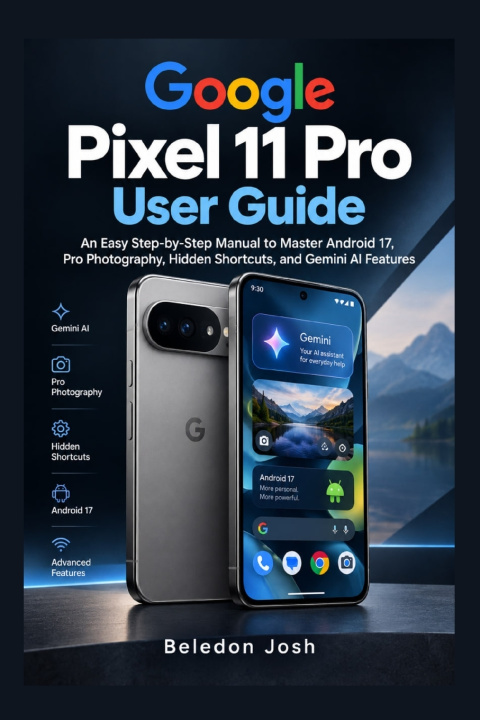
Google Pixel 11 Pro User Guide
Unlock the full potential of your Google Pixel 11 Pro with a clear, practical guide designed to help you use your phone with confidence.
Getting a new smartphone is exciting-but discovering everything it can do can sometimes feel overwhelming. The Google Pixel 11 Pro User Guide is designed to make that learning process easier, taking you from the essentials of setting up your device to exploring its advanced features, AI capabilities, camera tools, privacy controls, connectivity options, and everyday productivity features.
Whether you are setting up your Pixel 11 Pro for the first time or simply want to get more out of a phone you already own, this guide provides an organized reference you can return to whenever you need help.
Inside This Guide, You'll Discover How To:
Set up your Google Pixel 11 Pro and configure essential settings
Understand the phone's hardware, controls, and navigation
Transfer your contacts, photos, apps, and other important data
Customize the Home Screen, Lock Screen, notifications, and Quick Settings
Explore Gemini and other AI-powered capabilities
Make better use of translation, call assistance, and transcription features
Navigate camera modes and explore advanced photography controls
Capture better photos and videos in different shooting conditions
Manage battery usage, charging, and power-saving features
Configure fingerprint and face-based security features
Control app permissions, privacy settings, and protected information
Connect your Pixel with wireless accessories and compatible smart devices
Use multitasking and productivity features more effectively
Keep your device updated and backed up
Troubleshoot common network, application, battery, and performance problems
Understand essential maintenance, safety, warranty, and support considerations
Why This Guide Belongs Beside Your Pixel 11 Pro
Clear and Practical: Complex features are broken down into straightforward explanations that are easier to follow.
Beginner-Friendly: You don't need to be a smartphone expert to benefit from this guide.
Feature-Focused: Explore the tools that can make your Pixel 11 Pro more useful for communication, photography, productivity, entertainment, and everyday life.
Easy to Navigate: Organized chapters make it simple to find the information you need without searching through unrelated material.
A Convenient Reference: Keep it nearby whenever you need a refresher on a setting, feature, or troubleshooting step.
Your Pixel 11 Pro is capable of far more than making calls and sending messages. With the right knowledge, you can personalize your experience, work more efficiently, take advantage of its intelligent features, protect your information, and get more from the technology in your hands.
Stop wondering what your Pixel 11 Pro can do. Start using it with confidence. Get your copy of the Google Pixel 11 Pro User Guide today and take the next step toward mastering your device!