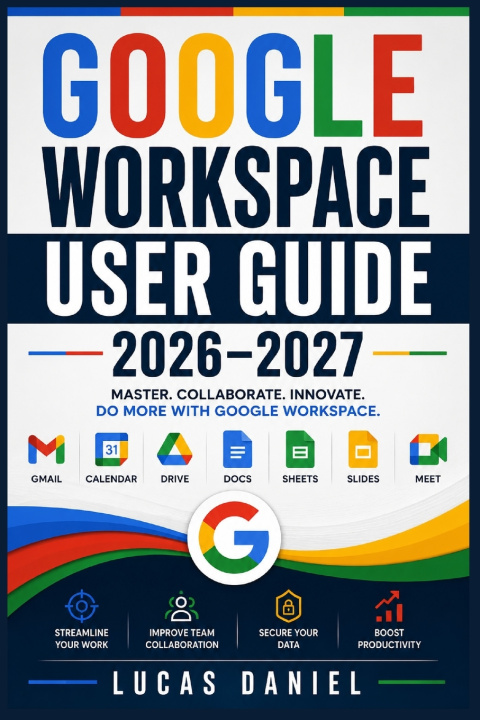
GOOGLE WORKSPACE USER GUIDE 2026-2027: Master Gmail, Drive, Meet, Docs, Sheets and Slides to Boost Team Productivity and Collaboration
Are you facing these challenges?
Struggling to set up professional business emails, manage the Admin Console, and configure domain DNS settings correctly?
Losing track of team files, dealing with messy folder structures, or worrying about losing data when an employee leaves?
Wasting valuable time switching between disconnected office tools instead of leveraging real-time collaboration and automated workflows?
Introducing the Google Workspace User Guide 2026-2027 by Lucas Daniel. This comprehensive handbook provides step-by-step instructions to help you and your team master every application in the Google Workspace ecosystem. Whether you are a first-time administrator, small business owner, or remote professional, this book removes the guesswork, replaces inefficient habits with powerful shortcuts, and shows you how to securely scale your operations from anywhere in the world.
Here are 5 things you will discover in the book:
Complete, step-by-step instructions for creating your account, navigating the Admin Console, managing users, and setting up organisational units (OUs).
Advanced email management techniques in Gmail, including custom filters, nested labels, scheduled send, and confidential mode.
Best practices for structuring Google Drive, managing shared drives, setting secure permissions, and enabling offline access.
Professional document, spreadsheet, and presentation creation using Google Docs, Sheets, and Slides, complete with formulas, version history, and real-time co-editing.
Essential administration strategies, two-factor authentication, security audits, and troubleshooting tips to protect your organisation's data.
Get your copy today to transform how your team communicates and collaborates!