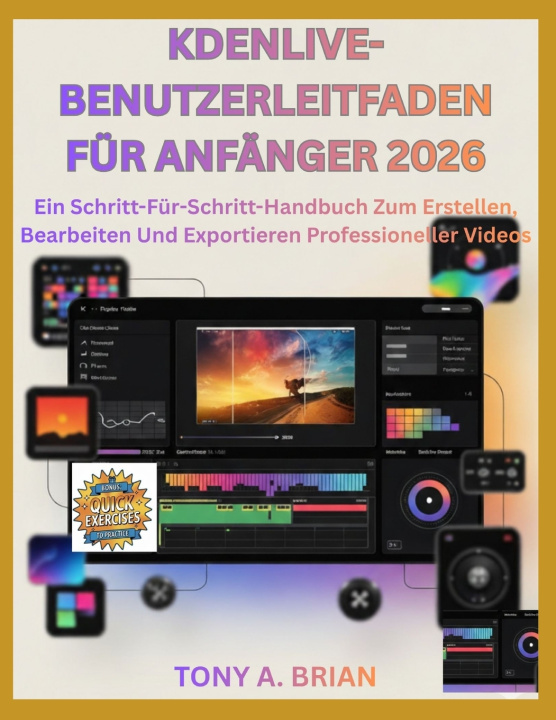
What if you could open Kdenlive without feeling lost in panels, timelines, settings, and export choices?
Learning video editing can feel confusing when every button seems important and every mistake slows your progress. You may import clips but not know where to place them. You may cut footage but struggle with audio, titles, effects, color, or final export settings. You may want to create YouTube videos, social clips, lessons, tutorials, business videos, or personal projects, but you need a clear path that does not assume you already understand editing language.
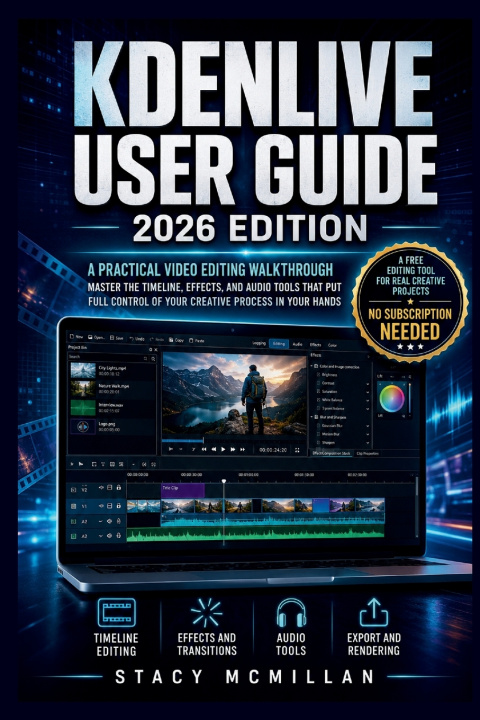
This guide gives you a practical walkthrough of Kdenlive from first setup to final render. It explains the workspace, timeline, media bins, audio tracks, effects, keyframes, titles, color tools, export settings, and troubleshooting steps in plain English. The goal is to help you build real editing skill through clear steps you can follow while using the software.
The learning style is simple and hands-on. You will find step-by-step instructions, beginner-friendly explanations, visual guidance, workflow examples, checklists, and troubleshooting help. Each part focuses on what to do, why it matters, what to check, and how to avoid common mistakes.
The focus stays on real editing tasks: setting up, cutting, improving sound, adding visual polish, fixing problems, and exporting a finished file.
What's inside
- Clear Kdenlive basics for new users
- Workspace and panel explanations
- Project setup and file organization steps
- Timeline editing, trimming, and clip control
- Audio editing, mixing, fades, and cleanup guidance
- Effects, transitions, and keyframe animation
- Titles, lower thirds, graphics, and subtitles
- Color correction, scopes, LUTs, and grading basics
- Export settings for YouTube, Vimeo, and social media
- Rendering error fixes and performance tips
- Proxy clips, markers, guides, and workflow tools
- Practical checklists for smoother editing projects
Who's this guide for?- Beginners opening Kdenlive for the first time
- Content creators making videos for online platforms
- Teachers, trainers, and course creators
- Small business owners editing their own videos
- Podcasters and creators adding video to their work
- Users switching from basic editors to Kdenlive
- Hobby editors working on personal or family videos
- Self-taught users who want a cleaner workflow
By the end of this guide, you will be able to:- Set up a Kdenlive project with the right folders and settings
- Import, organize, review, and manage media files
- Edit clips on the timeline with better control
- Cut, trim, move, group, and arrange clips properly
- Add titles, graphics, subtitles, and lower thirds
- Improve sound with volume control, fades, and audio effects
- Use effects, transitions, keyframes, and presets with purpose
- Correct color and create a more consistent visual look
- Export videos for different platforms and formats
- Fix lag, missing media, sync issues, and render problems
- Build a repeatable editing process for future projects
If you want a clear, beginner-friendly way to learn Kdenlive, this guide gives you the structure and support to start editing with more confidence. It keeps the process practical, organized, and focused on real video projects from setup to export.
Get your copy today and start building cleaner, stronger videos with Kdenlive.