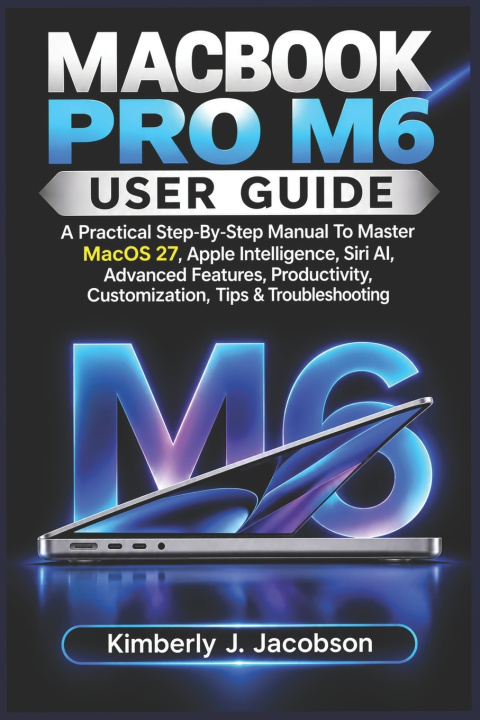
Könyv MACBOOK PRO M6 USER GUIDE Kimberly J. Jacobson

MACBOOK PRO M6 USER GUIDE

A Practical Step-By-Step Manual To Master MacOS 27, Apple Intelligence, Siri AI, Advanced Features, Productivity, Customization, Tips & Troubleshooting

Nyelv: Angol
Kötés: Puha kötésű
Elérhetőség: Beszállítói készleten
Küldés 9-13 napon belül
7 906 Ft
A powerful computer is only as useful as your ability to make it work the way you want. From the fir...

Információk a könyvről

Nyelv
Angol
Kötés
Könyv - Puha kötésű
Kiadva
2026
oldal
222
EAN
9798140989569
Enbook ID
54472995
Súly
304
Méretek
152 x 229 x 12

Teljes leírás

A powerful computer is only as useful as your ability to make it work the way you want. From the first time you open the lid to the moment you begin managing demanding tasks, knowing where to find the right settings and how to use the right features can make a real difference.
MacBook Pro M6 User Guide is designed to help you move beyond simply turning on your computer and clicking through applications. It takes you through the important controls, settings, and everyday functions in a practical, easy-to-follow way, so you can build confidence as you use your Mac.
Inside, you will discover how to:

  • Get started with your MacBook Pro M6, complete the initial setup, and configure essential preferences.
  • Understand the M6 chip, display, keyboard, Touch ID, Force Touch trackpad, and built-in hardware.
  • Connect external monitors, storage devices, memory cards, headphones, and other accessories.
  • Navigate macOS 27, organize your desktop, customize wallpapers, and adjust display preferences.
  • Use keyboard shortcuts, trackpad gestures, Spotlight, Quick Look, and other time-saving tools.
  • Explore Apple Intelligence and Siri AI features for supported everyday tasks.
  • Manage applications, files, notifications, sound settings, and accessibility options.
  • Monitor battery usage, adjust power preferences, and follow safe charging practices.
  • Identify common problems, work through practical troubleshooting steps, and keep your computer running smoothly.
You will also find useful shortcuts and lesser-known features that can help simplify routine tasks, reduce unnecessary clicks, and make your workspace more organized.
Whether you are setting up your first Mac or moving from an older computer, this guide provides a practical route from unfamiliar controls to confident everyday use.
Make your MacBook Pro M6 feel less complicated, more familiar, and ready for the work you want to do.