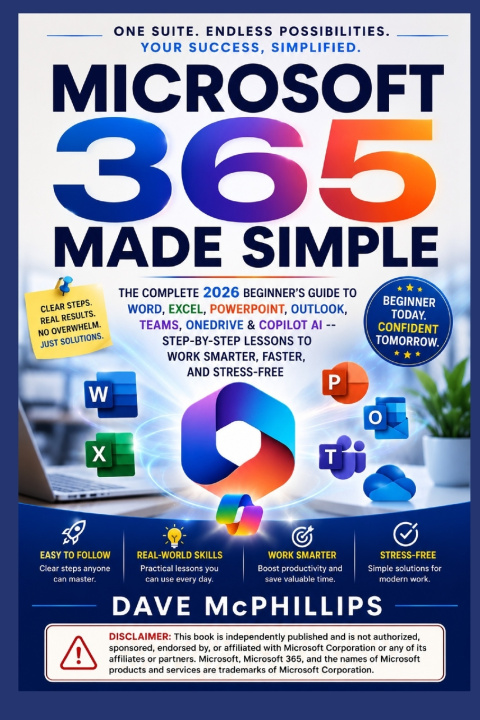
Stop feeling overwhelmed by Microsoft 365 and start using it with confidence-whether for work, school, business, or everyday life.
Microsoft 365 is one of the world's most powerful productivity platforms, but for many beginners it can feel confusing, intimidating, and packed with features that are difficult to understand. If you've ever opened Word, Excel, PowerPoint, Outlook, Teams, or OneDrive and wondered where to begin-or wished someone would simply explain everything in plain English-this is the guide you've been looking for.
Microsoft 365 for Beginners is a practical, step-by-step handbook designed to help complete beginners master Microsoft's essential applications without frustration. You don't need any previous experience, technical background, or computer expertise. Every lesson is carefully explained with clear instructions, real-world examples, and easy-to-follow walkthroughs that build your confidence one chapter at a time.
Inside this book, you'll discover how to:
• Set up and navigate Microsoft 365 with confidence from your very first login
• Create professional letters, reports, resumes, and business documents using Microsoft Word
• Format documents quickly with styles, templates, tables, images, headers, footers, and page layouts
• Master Excel by creating spreadsheets, performing calculations, using formulas and functions, building charts, and organizing data efficiently
• Design attractive, engaging PowerPoint presentations that capture attention and communicate ideas effectively
• Manage your email, calendar, contacts, and daily schedule using Outlook like a professional
• Collaborate with colleagues, classmates, and clients using Microsoft Teams for meetings, messaging, file sharing, and real-time teamwork
• Store, organize, synchronize, and securely access your files anywhere using OneDrive cloud storage
• Share documents and collaborate with others simultaneously without worrying about conflicting versions
• Unlock the power of Microsoft 365 Copilot to write content, summarize documents, analyze data, generate ideas, automate repetitive tasks, and dramatically improve productivity with artificial intelligence
• Discover time-saving shortcuts, hidden features, and productivity tips that experienced Microsoft users rely on every day
• Avoid common beginner mistakes that slow you down and reduce your efficiency
More than just a software manual, this book teaches you practical skills you'll use every day. Each chapter focuses on real-life tasks that professionals, students, entrepreneurs, freelancers, and home users regularly encounter, making it easy to apply what you learn immediately.
Best of all, everything is explained without technical jargon or unnecessary complexity. Instead of overwhelming you with endless features you'll never use, this guide focuses on the tools, techniques, and workflows that deliver the greatest impact in your daily work and personal projects.
By the end of this book, you'll feel comfortable navigating Microsoft 365, managing files in the cloud, collaborating with confidence, and using Microsoft Copilot to work smarter-not harder. You'll replace confusion with clarity, hesitation with confidence, and wasted hours with streamlined productivity.
No confusing terminology. No unnecessary filler. No assumptions about your experience.
Just practical lessons, real-world examples, proven shortcuts, and clear guidance that help you master Microsoft 365 one step at a time.
If you're ready to stop struggling with Microsoft's powerful productivity tools and finally use them to their full potential, this book is your complete roadmap to success.