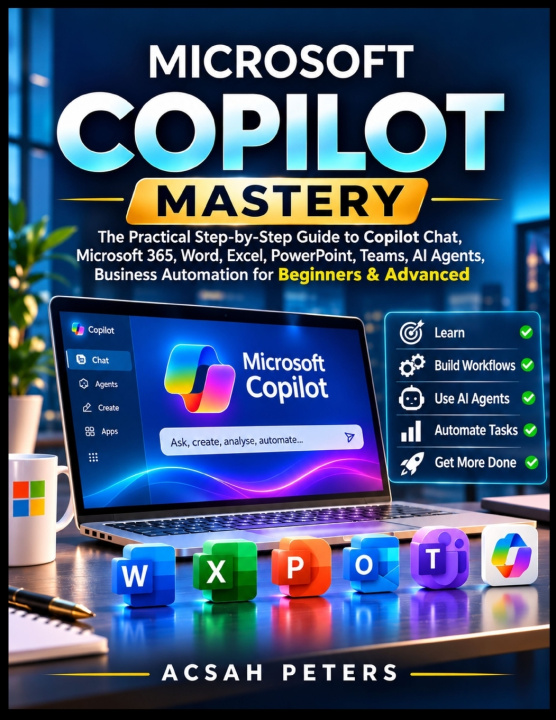
The Practical Step-by-Step Guide to Copilot Chat, Microsoft 365, Word, Excel, PowerPoint, Teams, AI Agents, Business Automation for Beginners & Advanced
Does preparing reports, analysing spreadsheets and managing endless emails consume valuable working hours?
Is it difficult to understand which Copilot features, subscriptions and applications are actually available?
Are inaccurate AI responses and complicated automation workflows creating uncertainty?
Written by Acsah Peters, this practical guide provides structured explanations, application-specific instructions, reusable prompting techniques and realistic workplace exercises. It covers Microsoft Copilot, Copilot Chat, Microsoft 365, Copilot Studio and the responsible application of AI across professional environments.
Inside this Guide you will Discover:
- Understand Microsoft Copilot and its different experiences.
- Set up accounts, subscriptions and access.
- Develop effective AI prompts.
- Draft and improve Word documents.
- Analyse Excel data and explore formulas.
- Create professional PowerPoint presentations.
- Manage emails efficiently with Outlook.
- Summarise Teams meetings and extract action items.
- Build customised AI agents.
- Design practical business automation workflows.
- Apply Copilot to research and information analysis.
- Improve productivity through integrated Microsoft 365 workflows.
- Protect sensitive information and understand AI security.
- Recognise hallucinations and verify generated results.
- Measure productivity improvements and develop advanced Copilot projects.
No advanced programming background is required to begin. Beginners receive clear explanations and practical exercises, while experienced professionals can develop more sophisticated prompts, integrated workflows and AI agent solutions. The guide also addresses licensing differences, troubleshooting, privacy and feature limitations, helping readers develop realistic expectations rather than relying on unrealistic AI promises.
If readers want to create smarter documents, analyse information and streamline business workflows, then they can start building those skills today.