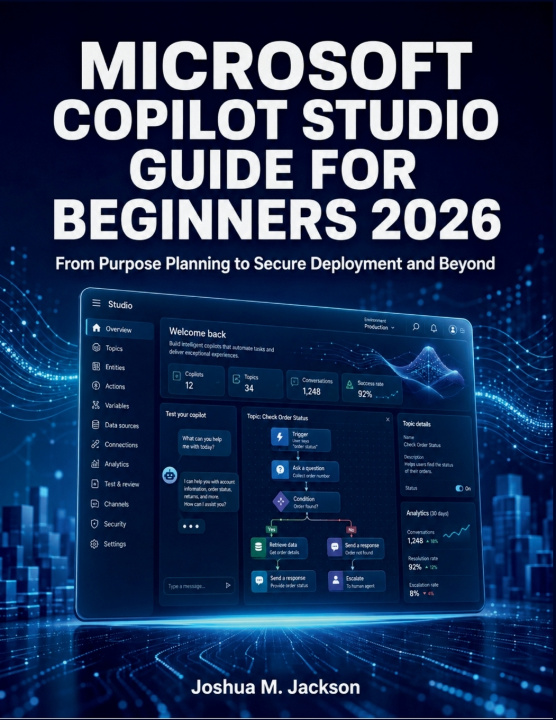
Microsoft Copilot Studio gives organisations a low-code way to create AI-powered agents that can answer questions, use business knowledge, perform actions, automate workflows, and assist users across multiple channels. However, building a dependable agent requires more than entering a few instructions and selecting Publish.
Microsoft Copilot Studio Guide for Beginners 2026 provides a practical, structured path from initial planning to secure production deployment. Written for readers with little or no previous agent-building experience, this book explains the platform in clear language and turns complex features into manageable, step-by-step procedures.
Inside, you will learn how to:
- Prepare your Copilot Studio workspace, environments, permissions, and licensing
- Plan an agent around a genuine business problem and measurable outcome
- Create agents from descriptions, templates, or a blank starting point
- Write effective instructions, greetings, descriptions, and suggested prompts
- Build topics using triggers, questions, variables, entities, conditions, and branches
- Ground responses with websites, documents, SharePoint, Dataverse, and enterprise knowledge
- Improve retrieval quality while reducing unsupported or misleading responses
- Control generative orchestration and understand how an agent selects knowledge, topics, and tools
- Extend agents with connectors, custom actions, agent flows, prompts, and MCP servers
- Create autonomous agents that respond safely to events
- Design connected-agent and multi-agent solutions with controlled handoffs
- Configure authentication, access controls, data policies, and environment governance
- Build repeatable test cases and evaluate agent performance before release
- Interpret analytics, activity histories, tool results, and failure information
- Troubleshoot knowledge, authentication, publishing, connector, policy, and workflow problems
- Publish agents to Microsoft Teams, Microsoft 365 Copilot, websites, and supported channels
- Move solutions between development, test, and production environments
- Monitor capacity, Copilot Credits, connections, versions, and ongoing maintenance
The guide also includes production-readiness checklists, configuration references, a troubleshooting decision guide, a glossary, and a detailed acronym list.
Whether you are creating an internal support assistant, an employee knowledge agent, a workflow automation solution, or your first business-facing conversational agent, this book will help you progress from an initial idea to a controlled, maintainable deployment.