You can scrape a page now. You can click through a dynamic site, wait for it to load, and clean up whatever mess it hands back. But every time you want to use that skill, you're re-pasting a script into DevTools or re-clicking a Bookmarklet.
What if that skill lived in your browser instead - as its own icon in your toolbar, one click away, saving everything into a panel that's always there when you open it?
Picture it: you're reading an article, a listing, a set of specs you want to keep. Right now, your options are copy-paste into a note app, a messy bookmarks folder, or a Bookmarklet you have to re-run and re-organize by hand every time.
"I have a folder of forty browser tabs I'm afraid to close because I haven't saved anything from them yet."
"I know enough JavaScript to scrape a page, but I have no idea how an actual Chrome Extension is put together."
"Every extension tutorial I find assumes I already know React, or a build tool, or TypeScript, before I've even seen a manifest.json file."
You're not stuck because extensions are hard. You're stuck because most tutorials start in the wrong place - with tooling, not with the three plain files a real extension actually needs.
■ The Solution & Benefits
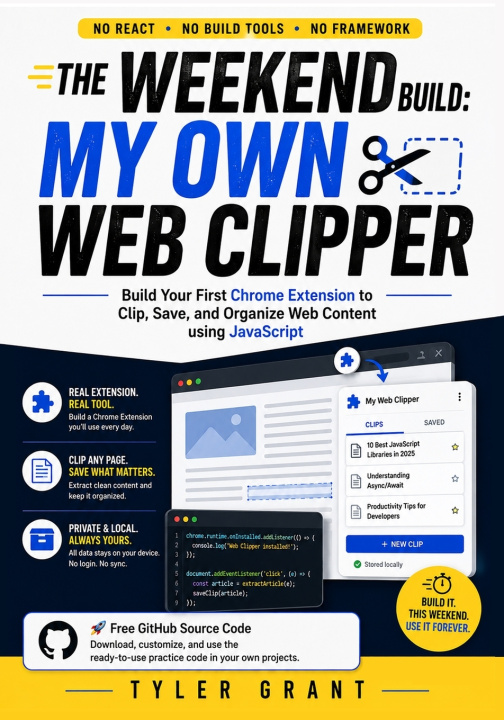
This book is the bridge chapter of The Weekend Build series: it takes the scraping instincts you already built in Volumes 1-2 and shows you exactly how to package them as a real, installed Chrome Extension - no React, no Webpack, no build step of any kind.
Over one weekend, you'll go from a blank manifest.json to a working toolbar icon, then design a real popup panel with plain HTML and CSS. By Saturday, you'll inject a content script that reads whatever article or listing is on the current tab and pulls out exactly the text you want. By Sunday, you'll wire that captured clip into your popup, save it permanently with chrome.storage.local, and package the whole thing into a .zip ready for the Chrome Web Store - a personal Web Clipper you built yourself, and can keep using every day after.
■ What You'll Walk Away With
- A working understanding of manifest.json and how Chrome reads it to build your extension
- The ability to design and code a popup panel using nothing but HTML and CSS
- A content script that runs your own scraping logic on any page you're currently viewing
- The technique for passing captured data from a page into your extension's popup
- A reusable local-storage pattern (chrome.storage.local) so your saved data survives a browser restart
- A finished, installable Web Clipper extension, packaged and ready to load or submit to the Chrome Web Store
■ This Book Is for You If...- You finished Volumes 1-2 and want to see your scraping skills turn into a real, permanent tool
- You're comfortable with basic JavaScript and DOM selectors and are ready for your first Chrome Extension
- You've opened an extension tutorial before and closed it the moment React or a build tool showed up
- You keep dozens of tabs open because you have no fast way to save what's actually in them
- You have one free weekend and want a tool you'll actually keep installed afterward
■ What Makes This Book Different- Zero Framework, Zero Build Step: Every file is plain HTML, CSS, and Vanilla JavaScript, loaded straight into Chrome's Developer Mode.
- Manifest V3 from Day One: Built entirely on Chrome's current extension platform, so nothing you learn is already deprecated.
- A Real, Installed Result: Unlike a script or Bookmarklet, this project ends as an actual icon living in your browser toolbar.
- The Bridge Book: Written specifically to connect the scraping series (Volumes 1-2) to the extension series (Volumes 4-5), so nothing you learn here is a dead end.