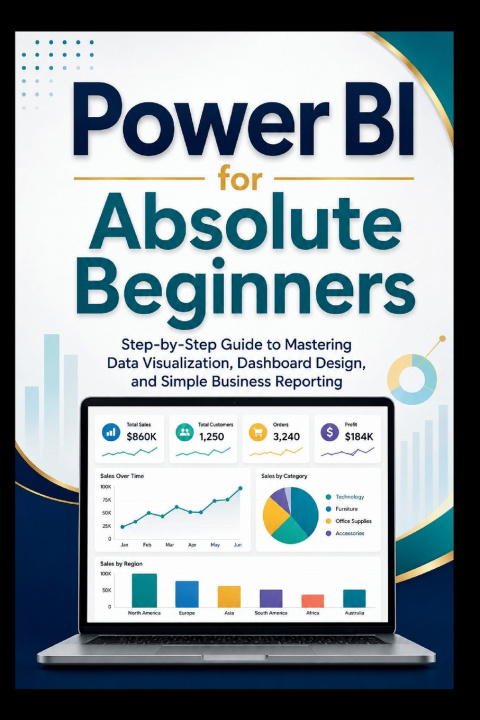
Are you ready to turn confusing spreadsheets into clear, professional reports without feeling overwhelmed?
Power BI for Absolute Beginners is a simple, practical, and beginner-friendly guide designed for anyone who wants to understand data visualization, dashboard design, and business reporting from the ground up. Whether you are a student, employee, small business owner, freelancer, manager, or complete beginner with no data analytics background, this book walks you through the basics in a clear and easy-to-follow way.
Instead of filling your mind with complicated technical language, this guide explains Power BI step by step, using plain language and practical examples. You will learn what Power BI is, why it is useful, how to install and open Power BI Desktop, how to import data from Excel and CSV files, how to clean and prepare your data, how tables and relationships work, and how to create your first visual reports.
Inside this book, you will discover how to build bar charts, line charts, pie charts, cards, tables, filters, slicers, and simple interactive dashboards. You will also learn how to arrange visuals professionally, choose the right chart for the right type of data, avoid common beginner mistakes, and publish your report to the Power BI Service.
This book is not written for experts. It is written for beginners who want a patient, clear, and practical starting point. Each topic is explained in a way that helps you understand not only what to click, but why each step matters.
In this guide, you will learn how to:
Understand Power BI reports, dashboards, workspaces, and semantic models in simple terms
Download, install, and navigate Power BI Desktop with confidence
Import data from Excel, CSV files, and simple tables
Check, clean, rename, filter, split, and combine data using beginner-friendly methods
Understand how tables work together inside a report
Create simple relationships without confusion
Build clean visual reports using charts, cards, and tables
Design professional-looking dashboards with better layouts, colors, and titles
Add filters and slicers for easy data exploration
Save, publish, and view reports in the Power BI Service
Build a simple business reporting project from start to finish
By the end of this book, you will have a strong beginner foundation and a clearer understanding of how Power BI can help turn raw data into useful insights. You will not need to guess your way through the software or feel lost when looking at report-building tools. You will have a simple path to follow and the confidence to begin creating your own reports.
If you want to learn Power BI in a clear, practical, and beginner-friendly way, this guide is the perfect place to start.