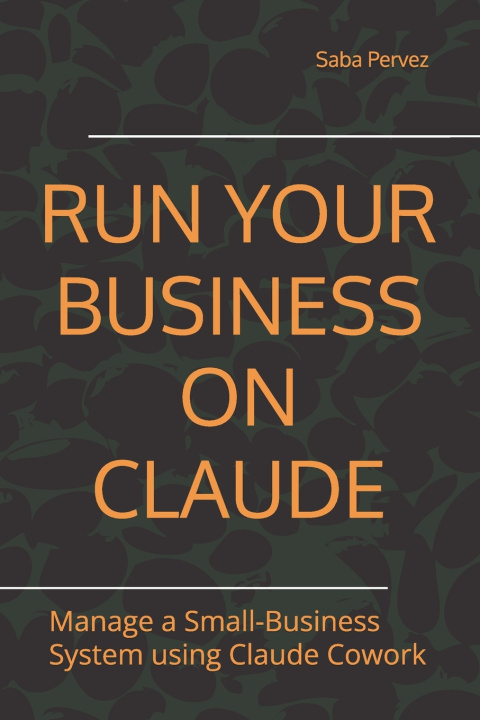
Claude Cowork for Small Business Automation
Renaming files. Sorting emails. Compiling reports. Formatting proposals. Chasing invoices. Sending the same follow-up again.
The admin is not just taking your time. It is quietly eating your week.
Claude Cowork gives small business owners, freelancers, operators, and lean teams a new way to handle everyday business work. But the tool only becomes useful when you know what to automate, what to supervise, and what to leave to humans.
This practical guide shows you how to use Claude Cowork as a controlled business assistant for documents, emails, files, reports, proposals, client follow-ups, internal workflows, and connected business tools.
Instead of giving Claude random access to your business and hoping for the best, this book gives you a structured system for using AI with boundaries, accountability, and repeatable results.
- The Five Movements Framework: Map how work actually moves through your business before automating anything. See where Claude belongs, where it does not belong
- The AORFD Prompt Framework: Use a five-part business prompting method: Action, Object, Rules, Format, and Destination. Turn vague requests into clear Claude workflows that can be reused and improved.
- The Master Folder Architecture: Set up a clean five-folder system that keeps Claude's file access bounded, organized, safer, and easier to scale.
- Microsoft 365 and Google Workspace Workflows: Learn how to connect everyday business tools, structure shared files, and reduce unreliable AI outputs.
- WhatsApp Business via Composio: Understand third-party MCP messaging workflows
Claude for Small Business
This guide also has practical ways to think about connectors such as QuickBooks, PayPal, HubSpot, Canva, DocuSign, Google Workspace, and Microsoft 365.
You will see how Claude Cowork can support workflows across finance, accounting, sales, marketing, HR, operations, customer service, legal admin, reporting, and document preparation.
Claude Design for Business Documents
Learn how to move from assembled information to pitch decks, one-pagers, proposals, reports, client documents, and presentation-ready business materials.
The Troubleshooting Chapter Most Guides Do Not Have
Claude Cowork can save time, but setup problems can stop users before they ever reach the workflow stage.
This guide includes a dedicated troubleshooting chapter covering common Windows and macOS installation problems, workspace failures, VM service issues, cross-device link errors, Hyper-V requirements, VPN conflicts, and connection problems.
Who This Book Is For
This book is for small business owners, solo founders, freelancers, consultants, service providers, virtual assistants, operations managers, and lean teams who want to use Claude Cowork without creating a disorganized AI mess.
A Practical AI Workflow Guide, Not Theory: This is not a book about playing with AI prompts.
It is a working guide for turning Claude Cowork into a controlled business assistant: useful enough to save time, structured enough to trust, and bounded enough not to create new chaos.
Requirements: Claude Pro plan and Claude Desktop for macOS or Windows. Claude for Small Business may require activation inside Claude Cowork and access to the relevant third-party tools or subscriptions.