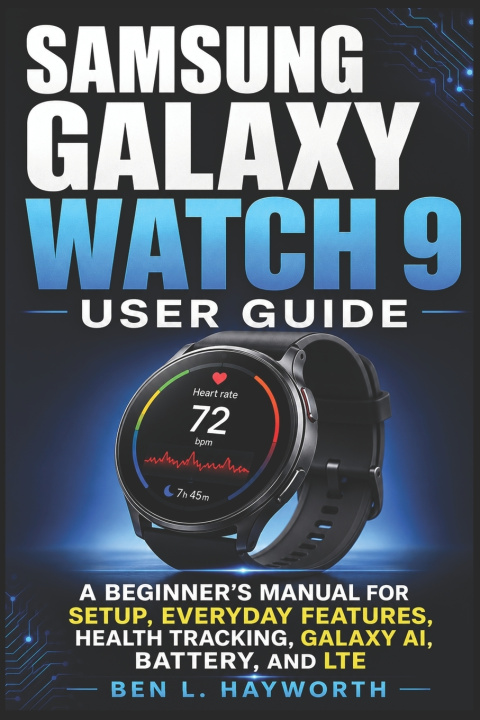
Make the most of your Samsung Galaxy Watch 9-without getting lost in confusing menus, settings, and features.
Your Galaxy Watch 9 can do far more than tell time and display notifications. From setting up your watch and customizing the display to tracking workouts, sleep, heart rate, wellness information, and managing LTE connectivity, this beginner-friendly guide helps you learn what matters without overwhelming technical language.
Samsung Galaxy Watch 9 User Guide is written in clear, plain, jargon-free language for first-time smartwatch owners, people upgrading from an older Galaxy Watch, and anyone who wants a practical reference they can return to whenever they need help. The guide takes you step by step from the basics to more advanced features, so you can learn at your own pace.
Inside this guide, you'll learn how to:
- Unbox, charge, set up, and connect your Galaxy Watch 9 to a compatible phone.
- Master touch gestures, buttons, notifications, Quick Settings, tiles, and apps.
- Personalize watch faces, complications, styles, modes, and routines.
- Use health and wellness tools for heart-rate information, activity, sleep, workouts, and recovery. Understand Galaxy AI integration and personalized wellness recommendations.
- Manage the 390 mAh battery and reduce unnecessary power consumption. Set up LTE/cellular connectivity and connect Galaxy Buds and other compatible devices.
You'll also discover practical help for:- Messaging, media controls, Maps, weather, alarms, and timers
- Sleep tracking and sleep-related insights
- Recording workouts and monitoring exercise progress
- PIN protection, cleaning, care, and software updates
- Pairing, connection, battery, and health-tracking problems
The book is designed to help you build confidence gradually. You don't need to master everything at once-you can start with setup and navigation, then explore personalization, fitness, wellness, connectivity, battery management, and troubleshooting as you become more comfortable with your watch.
Whether you're holding your first smartwatch or upgrading from an older Galaxy Watch, this guide gives you a straightforward path to understanding your device and making it part of your everyday routine.
Ready to get more from your Galaxy Watch 9?
Scroll up and click Buy Now to start learning how to set up, customize, use, and manage your Samsung Galaxy Watch 9 with greater confidence.