If your new Samsung Galaxy Z Flip 8 feels exciting but also a little confusing, you are not alone. Many new owners quickly discover that a foldable phone works differently from a traditional smartphone. The good news is that you do not need to be a tech expert to use it confidently.
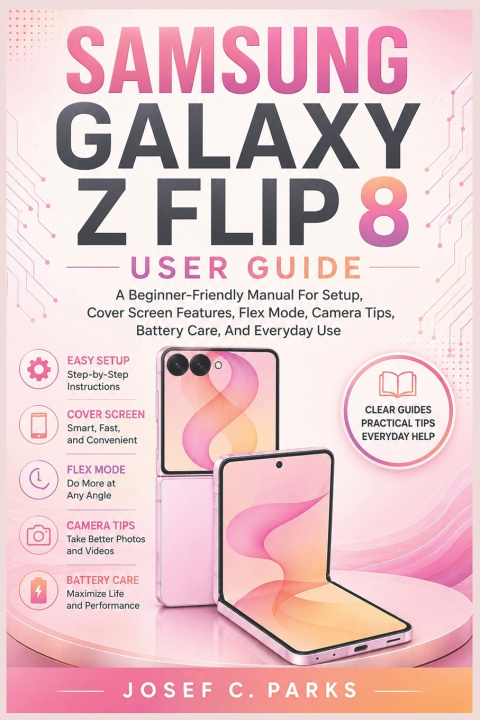
SAMSUNG GALAXY Z FLIP 8 USER GUIDE was written specifically for beginners who want clear, step-by-step instructions without complicated jargon. Whether this is your first Galaxy device or your first foldable phone, this practical guide will help you set up, customize, protect, and enjoy your Z Flip 8 from day one.
Inside this beginner-friendly Galaxy Z Flip 8 guide, you will learn how to:
• Complete the initial setup correctly and connect to Wi‑Fi and mobile networks
• Sign in with Samsung and Google accounts and restore your data with Smart Switch
• Master the cover screen for notifications, widgets, music controls, and quick actions
• Use Flex Mode for hands-free photos, video calls, and media playback
• Take better photos in different camera modes and record more professional-looking videos
• Customize the Home screen, Lock screen, Always On Display, and Quick Settings panel
• Make calls, send text messages and RCS chats, browse the web, and manage email accounts
• Improve battery life, charging habits, security settings, and everyday performance
• Solve common problems yourself with easy troubleshooting steps
The book focuses on real-world tasks that owners use every day, making it ideal for seniors, first-time smartphone users, Android switchers, and anyone who wants a straightforward foldable phone tutorial.
By the end of this guide, you will understand when to use the phone folded, partially folded, or fully open, and you will be able to use your Galaxy Z Flip 8 with confidence instead of guesswork.
If you want a clear, practical, and easy-to-follow Samsung Galaxy Z Flip 8 manual that helps you get the most from your new foldable phone, this guide is an excellent place to start.