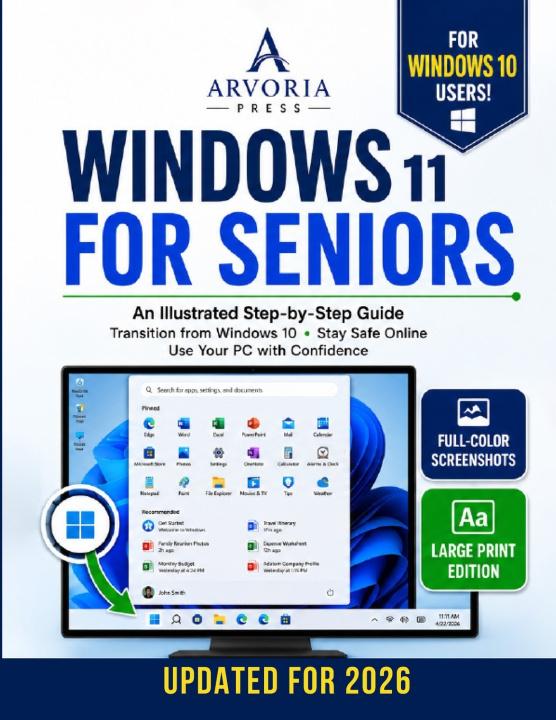
UPDATED FOR 2026 • FULL-COLOR EDITION • LARGE PRINT
Does Windows 11 Feel Confusing, Frustrating, or Completely Different from the Computer You Used to Know?
One day your computer updated... and suddenly everything changed.
The Start button moved.
The menus look different.
Settings seem impossible to find.
Even simple tasks that once felt easy suddenly became confusing.
If you've ever thought, "I used to know how to do this...", you're not alone.
You haven't forgotten how to use a computer. Windows 11 simply moved everything you already knew.
Designed specifically for seniors, beginners, and anyone upgrading from Windows 10, this fully illustrated guide shows you exactly where to click, what you'll see on your screen, and what to do next using Large Print, Full-Color Screenshots, and simple step-by-step instructions.
Whether you're learning Windows 11 for the first time or trying to feel comfortable again after upgrading, this book will help you become more confident, independent, and less afraid of making mistakes.
WHAT YOU'LL LEARN
- Understand what changed in Windows 11 and why it feels different.
- Navigate the Start Menu, Taskbar, Settings, and File Explorer with confidence.
- Find files, photos, and documents even if you've forgotten where you saved them.
- Customize text, icons, and display settings for easier reading.
- Browse the internet safely while recognizing scams, phishing attempts, and suspicious pop-ups.
- Send emails, organize documents, print with confidence, and enjoy video calls with family and friends.
- Keep your PC secure, updated, and running smoothly.
- Solve common Windows problems before calling someone for help.
WHY THIS BOOK IS DIFFERENT
Most Windows guides assume you already understand computers.
This one doesn't.
Every lesson is written in plain English with a calm, encouraging approach that helps you build confidence one step at a time.
Inside you'll enjoy:
- Large Print that's comfortable to read.
- Full-Color Screenshots showing exactly what should appear on your screen.
- Easy Step-by-Step Instructions with no skipped steps.
- Helpful "Don't Panic" sections for common mistakes.
- Practical, real-life examples that make learning easier.
READ IT YOUR WAY
You don't have to read this book from beginning to end.
Need help connecting a printer?
Go directly to that chapter.
Want to make text larger?
Turn to that section.
Looking for a lost file?
Follow the illustrations on the relevant page.
This guide is both a complete learning resource and a practical reference manual you'll return to whenever you need quick answers.
FREE BONUS RESOURCES INCLUDED
Your purchase also includes three exclusive bonus resources:
- Windows 11 Quick Reference Guide
- Senior Online Safety Checklist
- Windows 11 Emergency Fix Guide
Imagine opening your computer without feeling anxious...
- Find your favorite photos in seconds.
- Video call your grandchildren with confidence.
- Shop online safely