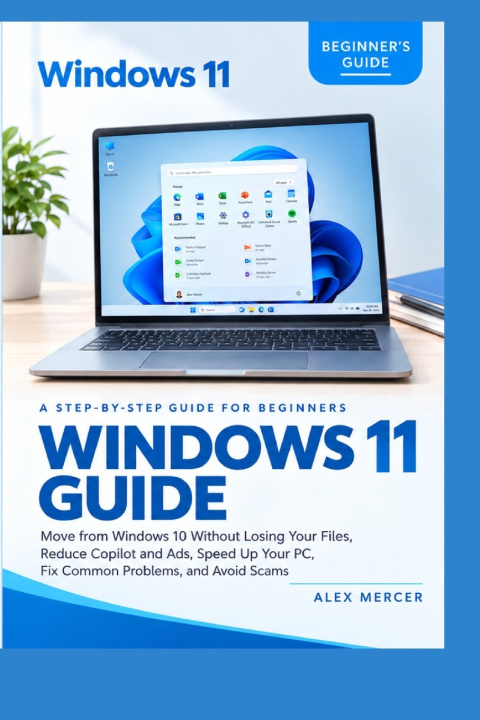
Stop Guessing. Start Using Windows 11 with Confidence.
Moving to a new operating system shouldn't feel like a test you were never prepared for. Whether your PC has become frustratingly slow, unwanted suggestions keep appearing, or you are unsure which security warnings to trust, you do not need advanced technical knowledge to take control. You need clear explanations and practical instructions that show you exactly what to do.
Windows 11 Guide is designed for everyday users, especially beginners who want to feel more comfortable using their computers. Written in plain English and organized into easy-to-follow steps, it helps you understand Windows 11, adjust important settings, and solve common problems without getting lost in technical jargon.
Inside this guide, you will learn how to:
- Move from Windows 10 safely: Understand your upgrade options, prepare your computer, and protect your personal files.
- Reduce Copilot, ads, and suggestions: Manage unwanted recommendations, AI features, and distracting settings.
- Speed up your PC: Manage startup apps, free up storage space, and improve everyday performance.
- Fix common problems: Troubleshoot Wi-Fi, printers, Bluetooth, sound, frozen apps, black screens, and failed updates.
- Avoid scams: Recognize fake virus warnings, fraudulent support calls, suspicious update alerts, and phishing attempts.
- Understand Windows security: Learn how to use Windows Security, Microsoft Defender, SmartScreen, and Windows Hello.
- Master the basics: Find settings, organize files, personalize your desktop, and make everyday tasks easier.
This book focuses on the things everyday users actually need to do with their computers. There is no unnecessary technical jargon, complicated explanations, or programming lessons-just practical guidance you can follow at your own pace.
Whether you are moving from Windows 10, setting up a new computer, or trying to get more out of the PC you already own, this guide gives you a straightforward place to start.
Less confusion. Fewer frustrations. More confidence with Windows 11.
Scroll up and click Get Your Copy to make your Windows 11 experience simpler, smoother, and more secure.
This is an independent publication and is not affiliated with, sponsored by, or endorsed by Microsoft Corporation.